






Widgets and Control Center
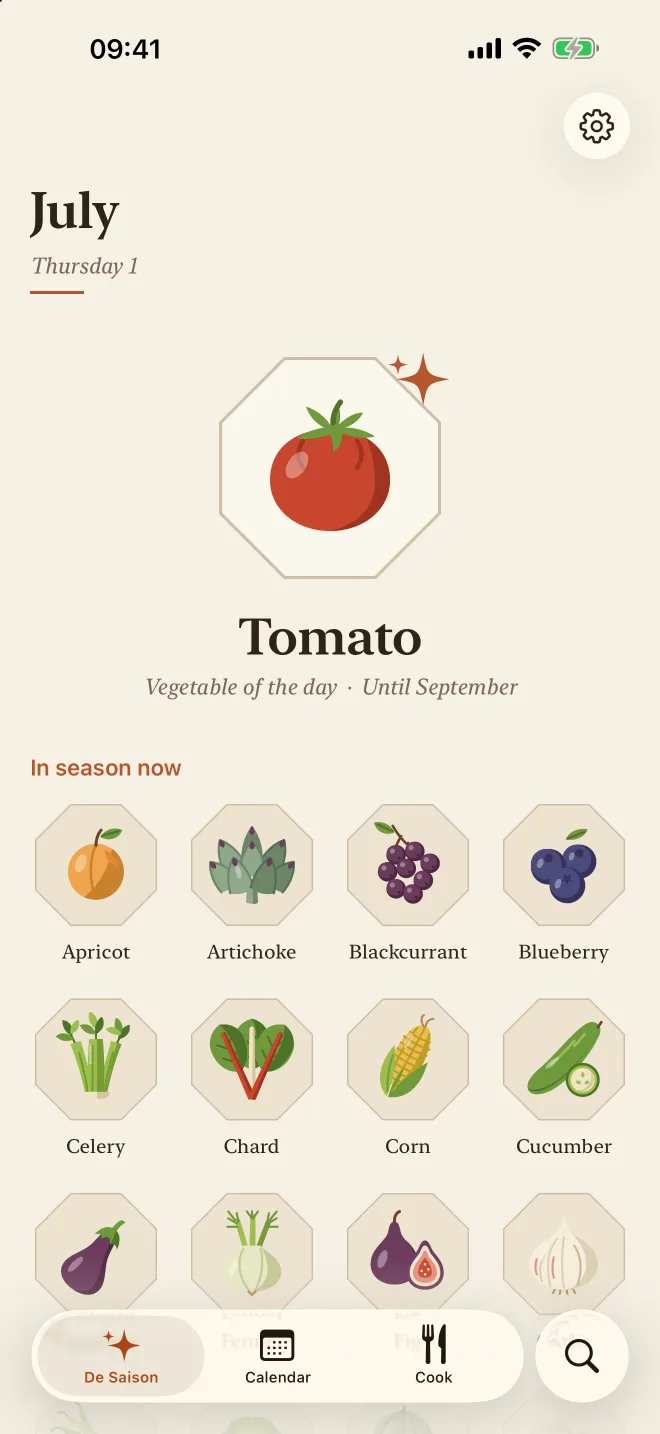
The food of the day and everything in season this month on your Home Screen, the season of any food you choose up to a full twelve-month calendar, and a count of what is in season on your Lock Screen.

Every day, De Saison opens a new page: the fruit or vegetable of the day, a recipe made with it for your next meal and a tip, then what to enjoy before it’s gone and what arrives next.

For iPhone, iPad, Mac and Apple Watch
Know when it’s at its best
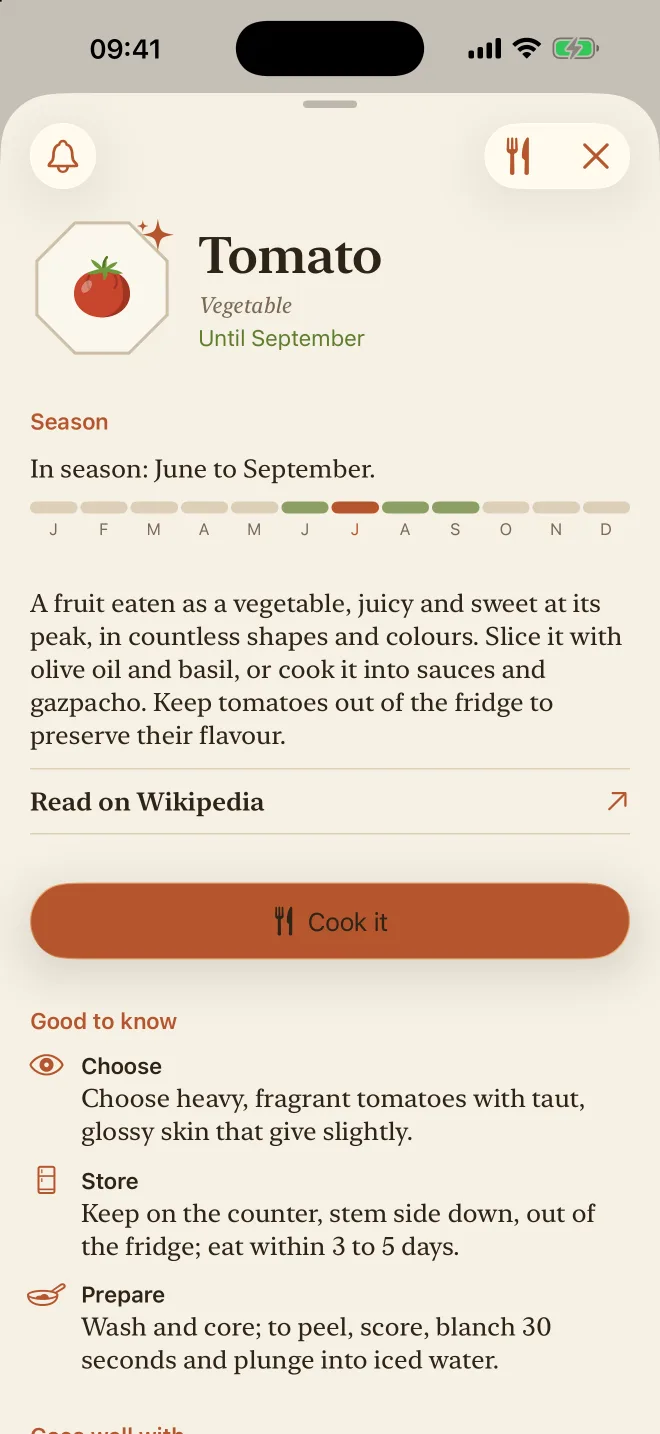
Tap any fruit or vegetable to see its season at a glance and its best months, how to pick a good one, keep it and prepare it, its varieties, what goes well with it, where it grows, its calories and real photos, from the flower to the plate.
Everything in season
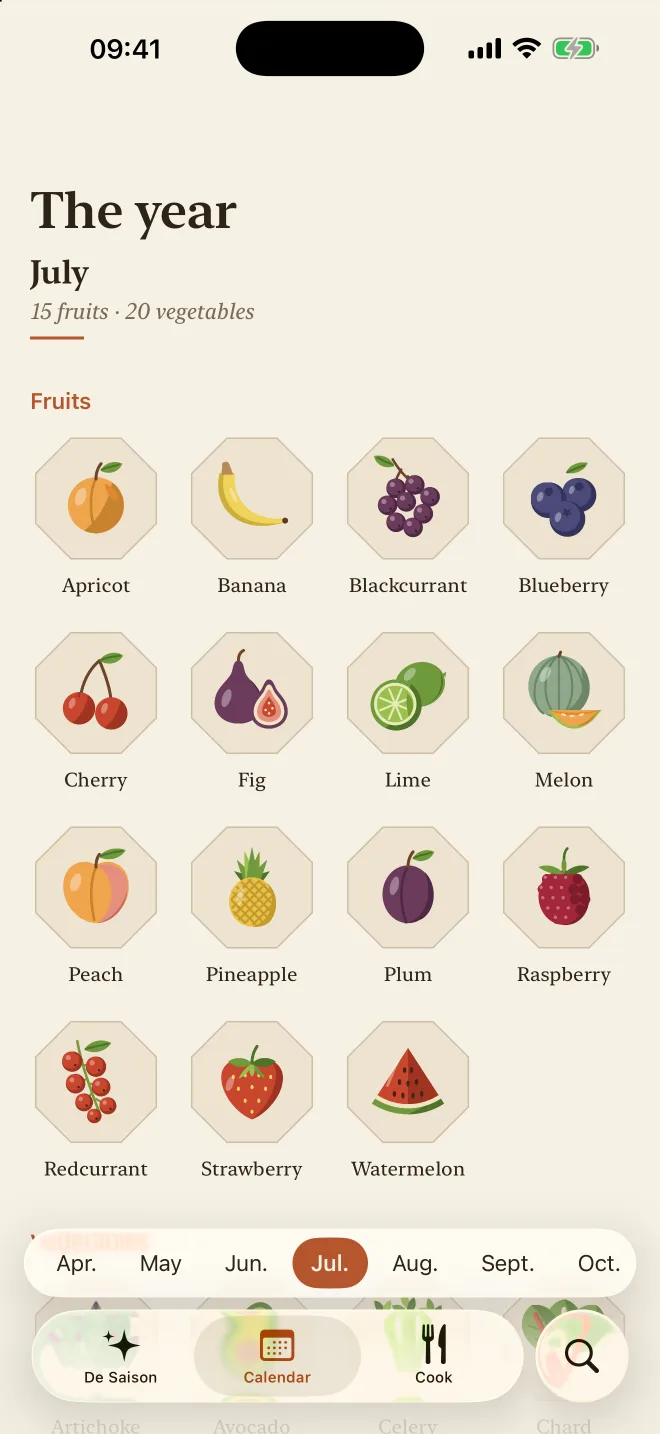
Swipe through the twelve months to see when your favourite fruit and vegetables are at their best, in any of the 42 countries covered. Imported produce is labelled, never passed off as seasonal. Print a month as a calendar for the kitchen.
This month’s recipes
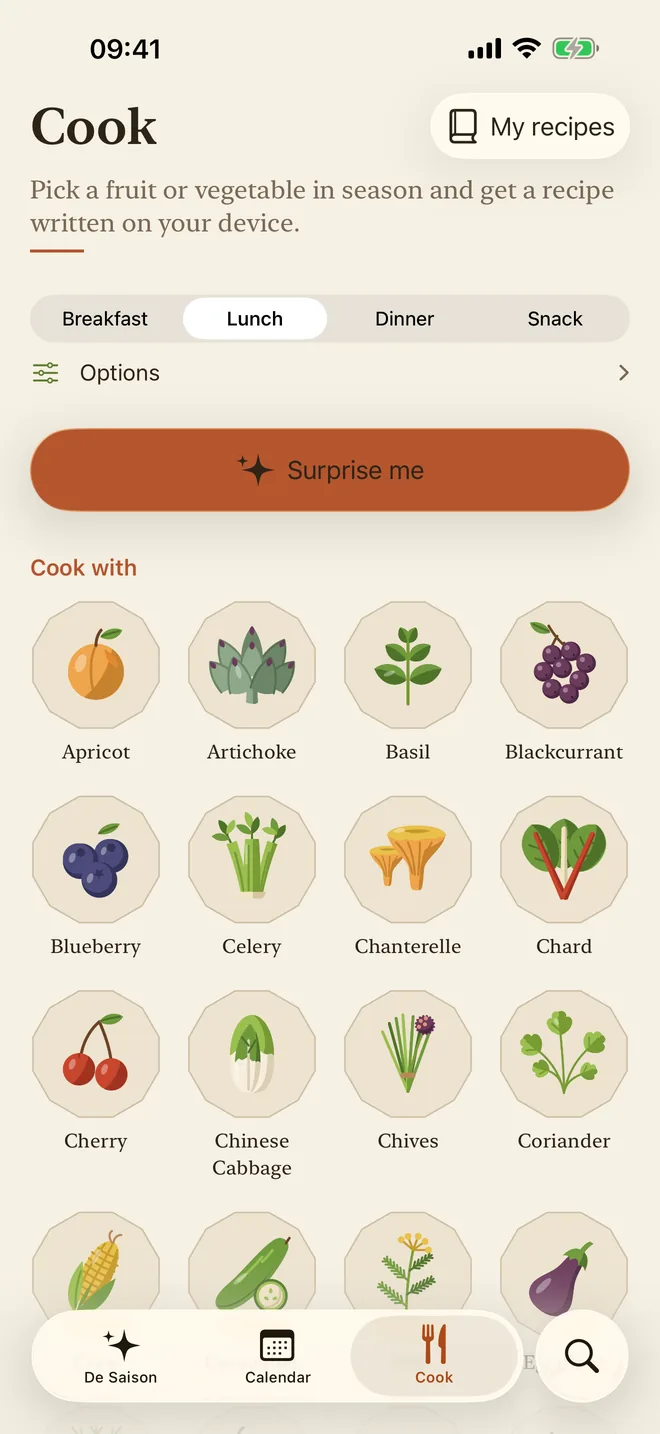
The Cook tab is the month’s recipe magazine: a recipe for the meal of the moment, then shelves for last chances, new arrivals, dishes ready in 20 minutes and snacks, and themed seasons from the summer holidays to Christmas. Search by ingredient, filter by meal, diet, intolerances, cuisine, time or calories, or let Surprise me choose.
With Apple Intelligence, De Saison also writes new recipes just for you
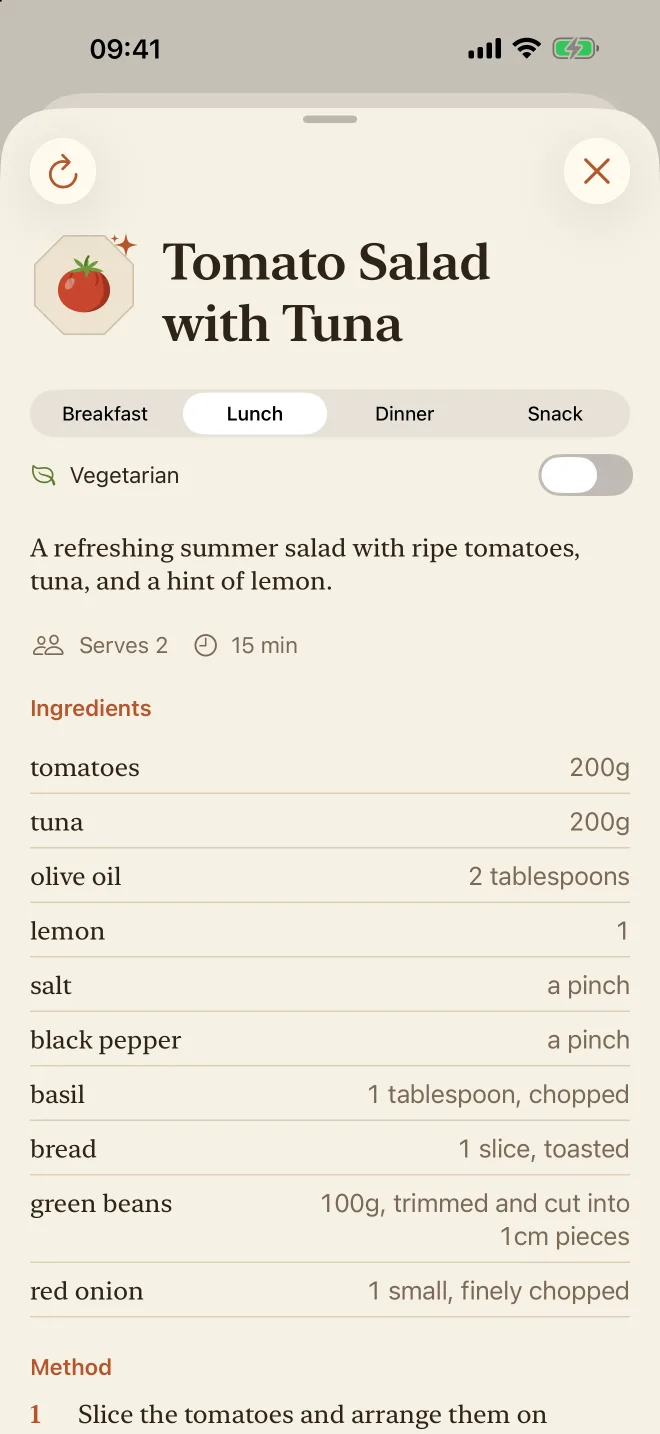
Lunch, from the season
Every recipe shows the produce it uses in season, its time, servings and calories, per serving or per 100 g, in grams or in cups. Tap the bookmark to keep it in My recipes.
Cooking mode
Tap Start cooking, tick off the ingredients as you set them out, then follow one step per page, in large type, with just the ingredients it needs. The screen stays on while you cook.
Say “next” or “back”
Heat the oil in a large frying pan and fry the slices in batches for 2 to 3 minutes on each side, until golden and crisp.
For this step
Timer
Start a timer for 2 minutes
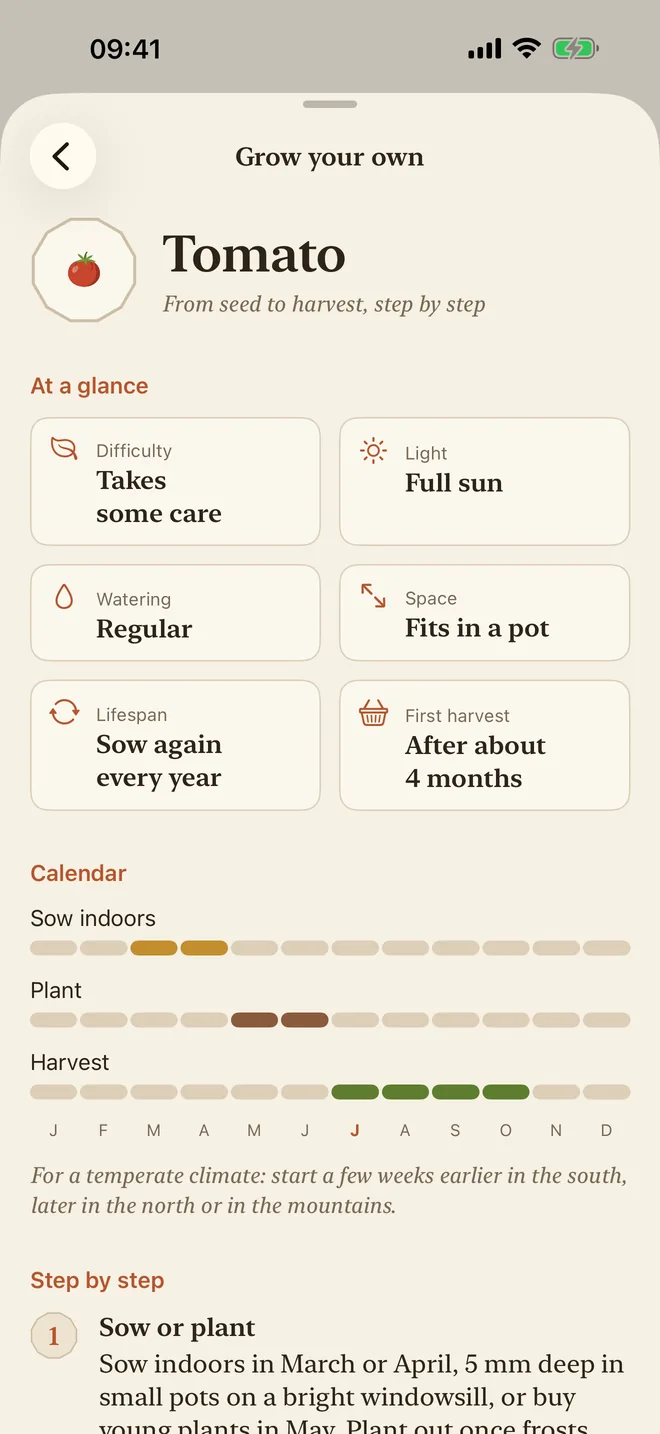
Grow your own
Starting a vegetable garden? For every fruit and vegetable, everything a beginner needs: how easy it is, how much sun, water and space it wants, when to sow, plant and harvest, in the right season for the southern hemisphere too, step-by-step advice, and how to save seeds for next year.
What is this?
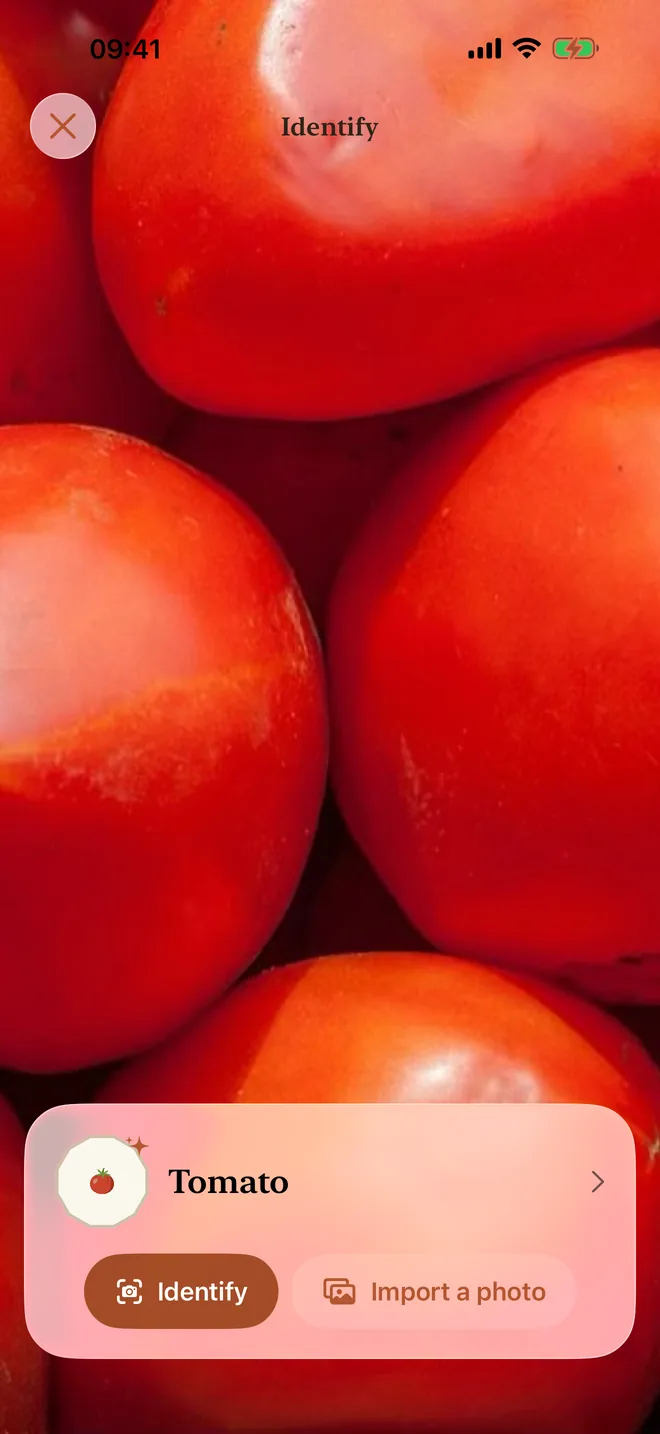
Not sure what you are looking at on the market stall? Point your camera at it or pick a photo, and De Saison tells you what it is and opens its page. Recognition happens on your device, and the App Clip lets you try it without installing anything.
Shop better, eat in season.
And also
The food of the day and everything in season this month on your Home Screen, the season of any food you choose up to a full twelve-month calendar, and a count of what is in season on your Lock Screen.
What is in season, on your wrist, with complications for your watch face. It works even when your iPhone is far away.
What arrives and what leaves on the first of the month, and a bell on the foods you love. “Remind me tomorrow” or “in a week”.
Tap the heart on the foods you love and find them together, sorted by what is in season, what arrives next month and what is out of season. A heart on their badge picks them out everywhere.
Your favourites and saved recipes on your iPhone, iPad and Mac, through your own iCloud account. Free, and on from the start.
A month of fruit and vegetables on a single page, for the fridge door: all of them, or just fruit or vegetables. Print it or save it as a PDF.
Ask Siri “What’s in season?” or run it from Shortcuts, and find every food from your device’s search.
A layout made for every screen, in light and dark mode, that works at the largest text sizes and with VoiceOver.
No account, no ads, no tracking. Photos and settings stay on your device, and your favourites and recipes only go to your own iCloud.
Free & Premium
Monthly or yearly, with a 1-month free trial. Manage or cancel any time in your Apple Account settings.
Wherever you shop
Seasons follow the shelves where you shop. The app picks your country from your device, and you can change it in Settings. In Australia, New Zealand and South America, the seasons and the growing advice follow the southern hemisphere.